The Translated-Book Launch Checklist: From Finished Files to Published Edition
Ready to publish your translated book? Check your files, cover, keywords, KDP setup, pricing and launch plan with this practical 15-step checklist.

Written by Teddy Smith
BookLingua founder, author and host of The Publishing Performance Show
Your translated files have arrived. You open the folder, find the manuscript and start wondering how soon you can get it onto Amazon.
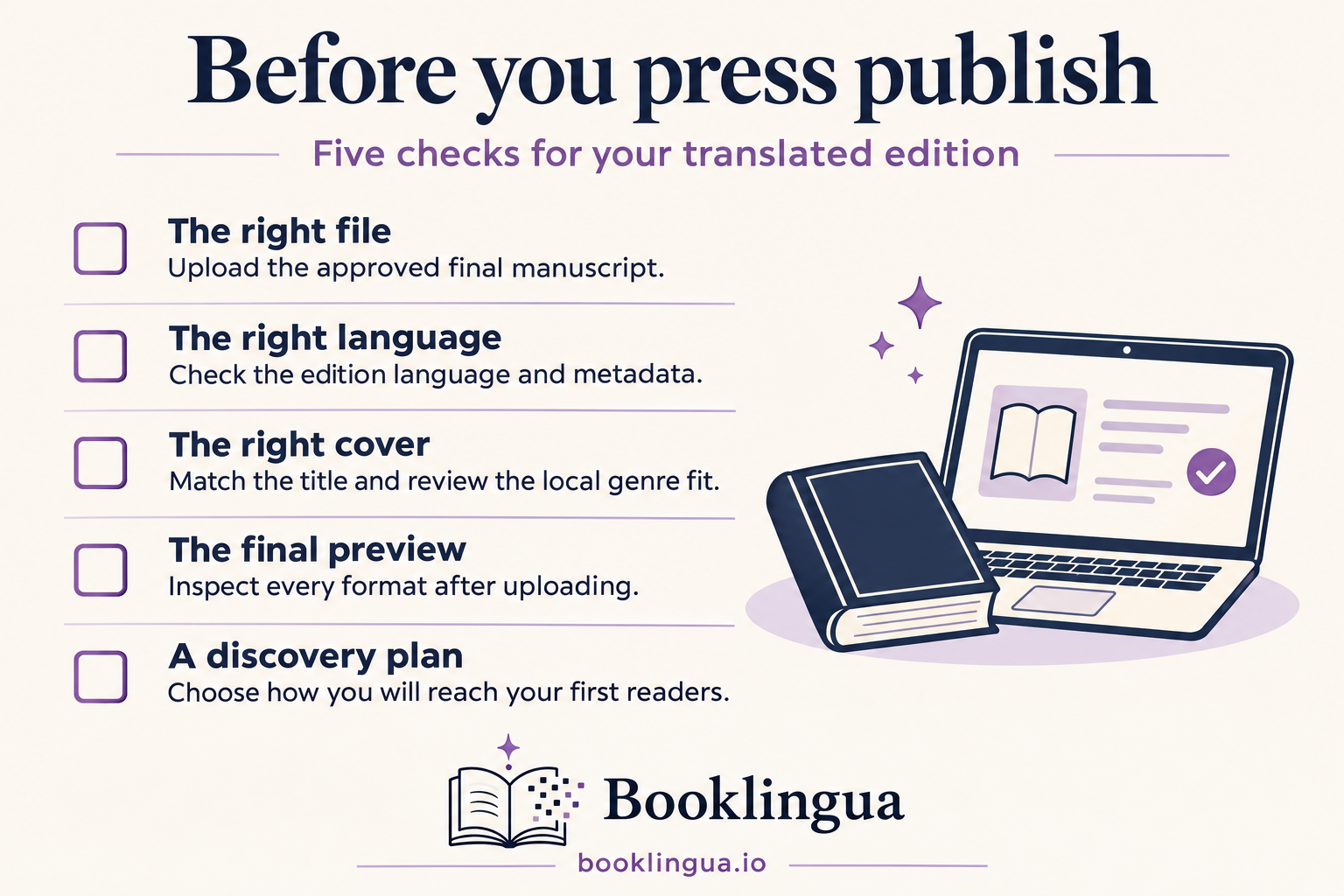
Before you press publish, there are a few things to get right. Is this the approved version? Does the cover work with the new title? Have you chosen keywords that readers actually use? And how will anyone discover the book once it is live?
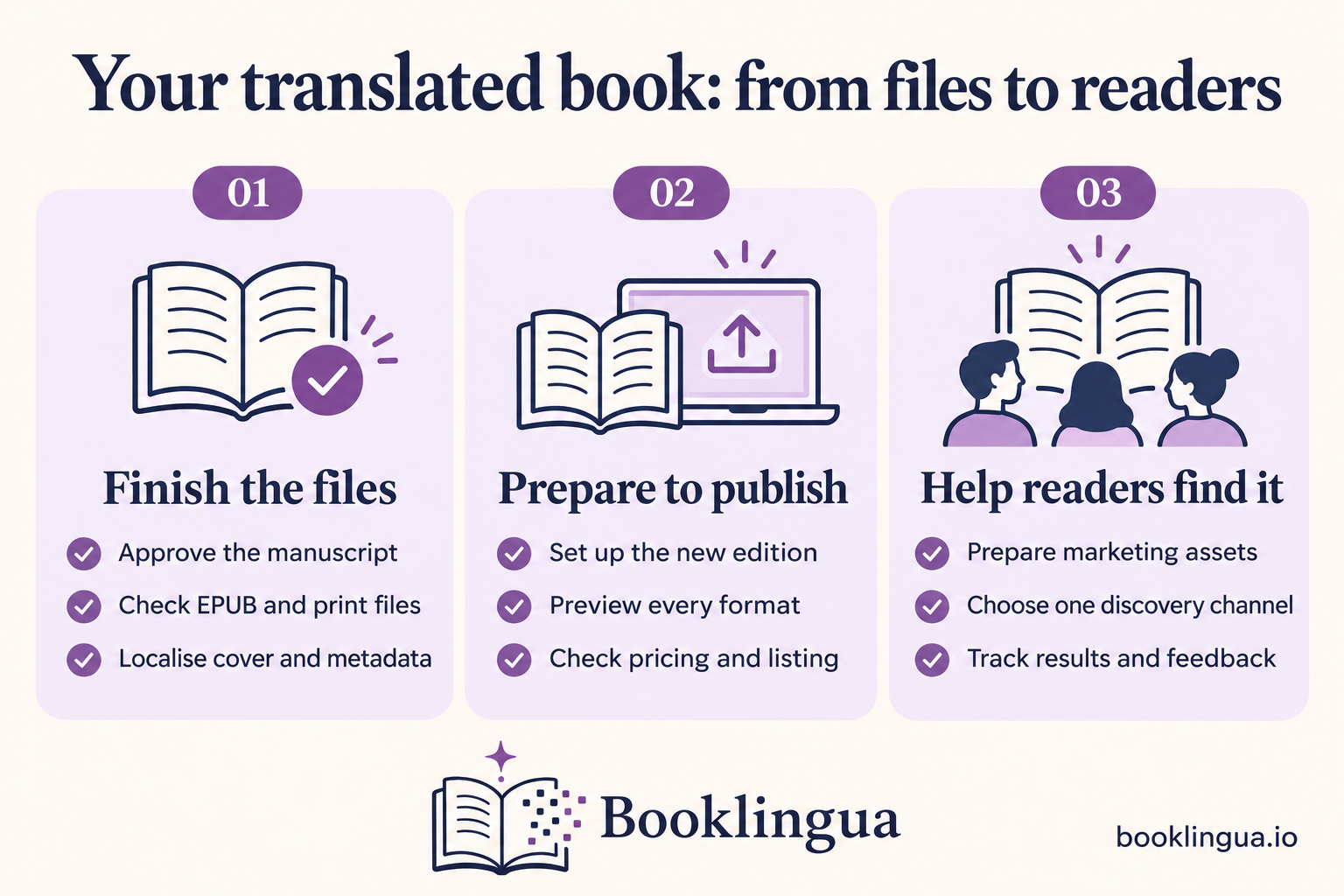
This translated-book launch checklist takes you from finished files to a published edition with a practical launch plan. Work through it in order, and mark print-only steps as not applicable if you are starting with an ebook.
Still reviewing the translation itself? Start with our complete AI translation guide, then return here when the manuscript is ready for publication.
1. Confirm the translation is complete and approved
Start with one clearly labelled master manuscript. Confirm that all chapters are present, agreed corrections have been applied and any unresolved questions have been answered. Include the acknowledgements, copyright page and back matter in those checks.
Understand what review has actually taken place. A check of selected passages is different from a full manuscript proofread. If you need further language review, arrange it before formatting. A file opening successfully tells you nothing about the quality of its translation.
☐ The final manuscript is approved, and I know which file to publish.
2. Check the final EPUB and paperback files
Open the actual delivery files. For an EPUB, test the contents menu, chapter navigation, scene breaks and links. Increase the text size and check that the book remains readable. Remove comments, placeholders and production notes.
For print, check page layout, margins, chapter openings and any illustrations. Translation can change the page count, so the paperback cover must fit the finished interior. An ebook cover image alone is not a print cover.
☐ Each planned format has its own checked interior and cover files.
3. Localise the title, subtitle and book description
Read these together as a reader’s first introduction to the book. Ask a fluent reviewer with relevant genre experience whether the wording is natural, appealing and faithful to the story. A subtitle should clarify the book without promising something it does not deliver.
Check accents, spelling and capitalisation against the cover and title page. Save the approved wording in one place so you are not copying from several competing drafts.
☐ The title, subtitle and description are approved and consistent.
4. Review the cover against comparable local books
Put your cover beside a handful of recent books aimed at similar readers in the target store. Compare the genre signals, mood and typography, then view them all at thumbnail size.
You may only need to adapt the lettering. You may need a more substantial redesign. Make that decision from the comparison: does your cover help the right reader recognise the kind of book you have written?
☐ The translated cover is legible and suits the intended readership.
5. Research native-language keywords
Use the story’s tropes, setting and themes to begin your research. Find out how readers describe those ideas in the target language, then check whether searches return relevant books.
Treat suggested searches as clues, not proof of demand. Ask someone fluent to check unfamiliar phrases before adding them to your listing.
☐ My keywords reflect relevant reader searches in the target language.
6. Choose relevant categories in the target store
Review the categories available for your marketplace and format during setup. Get help with unfamiliar labels rather than guessing from a machine translation. Choose accurate categories even when another looks less competitive.
☐ Every selected category accurately represents the book.
7. Create the translated edition as a new book in KDP
Create a separate title for the translated edition. Do not upload it over your English manuscript. Select the correct language, confirm that KDP supports your chosen language and format, and enter the approved metadata.
Answer the AI-content questions accurately. KDP classifies translations initially created by AI as AI-generated, even after substantial human editing. That is different from a human translation that only uses AI for checking or refinement.
☐ The new edition has the correct language, files, metadata and disclosures.
8. Confirm ISBN and contributor requirements
A Kindle ebook does not require an ISBN. A translated paperback or hardcover needs its own ISBN; do not reuse the English edition’s number or share one between print formats. If you choose a free KDP ISBN, it can only be used on KDP.
KDP’s metadata guidance requires translated works to credit the original author and translator. Agree accurate credits with your provider. If an AI-led workflow does not fit the available contributor fields clearly, ask KDP Support how to record it rather than inventing a translator’s name.
Also confirm your publishing rights cover the language and territories you select.
☐ ISBNs, contributor credits and publishing rights are confirmed.
For a step-by-step walkthrough, read How to Publish a Translated Book on Amazon KDP.
9. Preview every format before publishing
Check the version KDP has processed, even if your original files looked fine. Review navigation, chapter openings, special characters and any layout warnings. For a paperback, I would also order and inspect a physical proof before launch.
After making a correction, upload the replacement and preview it again. Keep a dated record of the approved files so an older version cannot slip back into the process.
☐ The latest uploaded version of every format has passed its final preview.
10. Set a market-appropriate price
Compare books of similar genre, length and format in the store you are targeting. Use that comparison to choose a starting price, then check the estimated royalty shown in KDP. For print, pay particular attention to production costs.
Write down your regular price and any planned launch offer. Give an introductory price an end date so it does not become permanent by accident.
☐ My price fits the market, and I understand the expected royalty.
11. Check the live Amazon listing
Once the book is available, open its page in the store you intend to promote. Check the cover, description, language, contributor names, price and available formats. Inspect the sample when it appears.
Follow your promotional link on a phone too. Does it take readers to the correct language edition and marketplace? Fix listing problems before directing paid traffic to the page.
☐ The live listing and the links I will share are correct.
12. Prepare approved marketing assets
Build a small folder containing your cover, short description, a few hooks, author biography and retailer links. Include checked copy for your initial promotion and an English reference version so you know what each asset says.
If your translation order includes launch materials, start there. Confirm what was supplied, then have any new or substantially changed wording checked.
☐ My launch materials are ready to use and clearly labelled.
13. Arrange reviewers, creators or promotions
Shortlist people and services that reach readers of your genre in the new language. Before committing, confirm their audience, submission requirements, deadlines and any fee. Send a concise pitch explaining why the book fits.
Keep requests for independent reviews separate from paid promotional placements. Do not make a positive review a condition of receiving a copy, and check the retailer’s current review rules before organising a campaign.
☐ I have suitable contacts, realistic dates and clear terms for each activity.
14. Choose one initial discovery channel
Start with one main way of reaching readers: perhaps a genre newsletter promotion, a small advertising test or a coordinated group of relevant creators. Choose something you can run and evaluate consistently.
Write a simple plan: who you want to reach, what you will show them, how much time or money you will commit, and when you will review the results. Add further channels once you understand the first.
☐ I have one initial channel, a defined budget and a review date.
15. Track sales, advertising costs and reader feedback
Record promotion dates, costs, sales and estimated royalties in a simple tracker. Add Kindle Unlimited reading income if applicable, and keep a separate note of recurring reader comments about the language or presentation.
Compare spending with royalties, rather than the retail value of sales. For example, a €40 promotion needs 20 additional sales at €2 royalty per sale just to recover its cost. That excludes translation, design and other launch expenses.
Treat early results as information. Strong clicks with weak sales suggest the listing or audience deserves a closer look. Repeated language complaints need investigation before you scale promotion.
☐ My tracker is ready, and I have scheduled a review of the launch.
Give the translated edition a proper launch
You do not need an elaborate campaign to begin. You need a book you are happy to put in front of readers, a listing that presents it clearly and a manageable way to help those readers find it.
Work through the checks, resolve the gaps and choose your first launch activity. Then use what you learn to improve the next one.
Next, read How to Market a Translated Book When You Don’t Speak the Language.
Amazon KDP guidance checked on 9 November 2026. Platform requirements can change, so confirm the current rules before publication.